
A Thread is one continuing line of work. It keeps the conversation, contributors, files, artifacts, Project context, and sharing state needed to understand the result and take the next step.
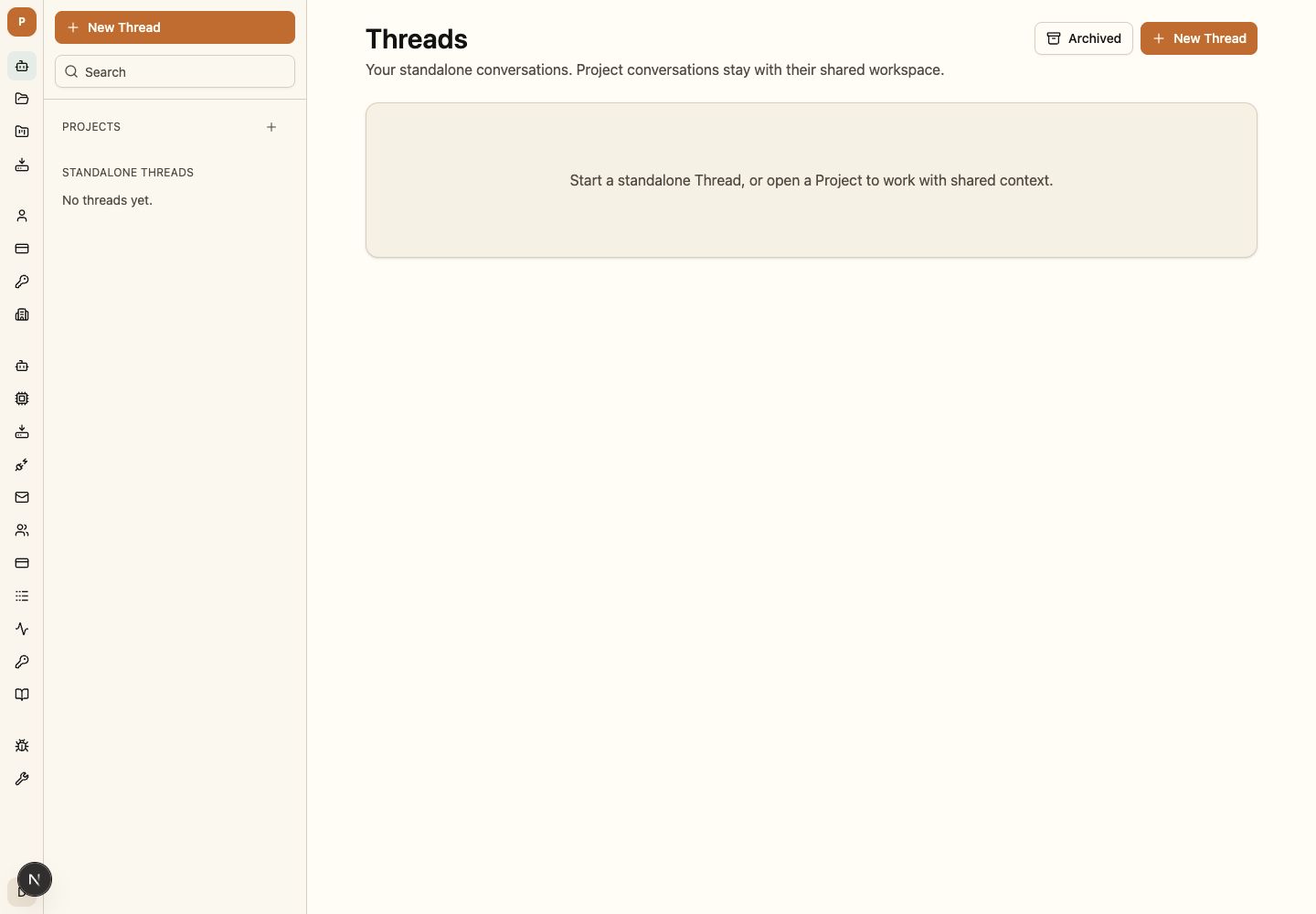
Choose the right home
- Start a standalone Thread for work that does not yet need shared Project context.
- Start from a Project when the task should use its members, instructions, files, or Knowledge.
- Archive completed Threads to preserve history without keeping them in the active list.
Choose an interaction mode
Choose Chat, Plan, or Build through the visible control. The selected mode is part of the Thread’s effective interaction state; Kestrel does not silently infer it from the wording of a task.
Continue the conversation
Messages and terminal outcomes remain ordered under the durable Thread identity. Conversation cursors let clients reconnect from the last accepted position without reapplying earlier messages.
Respond to waits and recovery choices
When work waits, answer the exact pending request and registered option. A stale or cross-Thread response is rejected instead of being attached to whatever work is currently visible.
Read progress truthfully
Provider-returned reasoning, committed Agent progress, tool activity, runtime status, and terminal outcomes are separate channels. A reconnect may omit live-only reasoning but preserves committed progress and history.
Hand work to a teammate
Before handing off, leave the Thread at a clear terminal or waiting state and point to the relevant artifact. The next authorized person can read the same history, inspect the current state, and add the next turn under their own identity.
Moving a standalone Thread into a Project changes who may access it and which context may shape future turns. Kestrel One discloses that change before accepting it.
Move a Thread
Only an authorized person may change the Thread’s Project. Confirm the new membership and context boundary before accepting; earlier turns retain the context revision they actually used.