
Managed deployments let an entitled organization member launch a RunPod Serverless endpoint without entering provider credentials or arbitrary infrastructure settings. The feature must be enabled and configured by a platform administrator.
Prerequisites
The organization needs deployment authority, a qualified immutable profile, an eligible Environment, provider configuration, available quota/budget, and a healthy deployment worker.
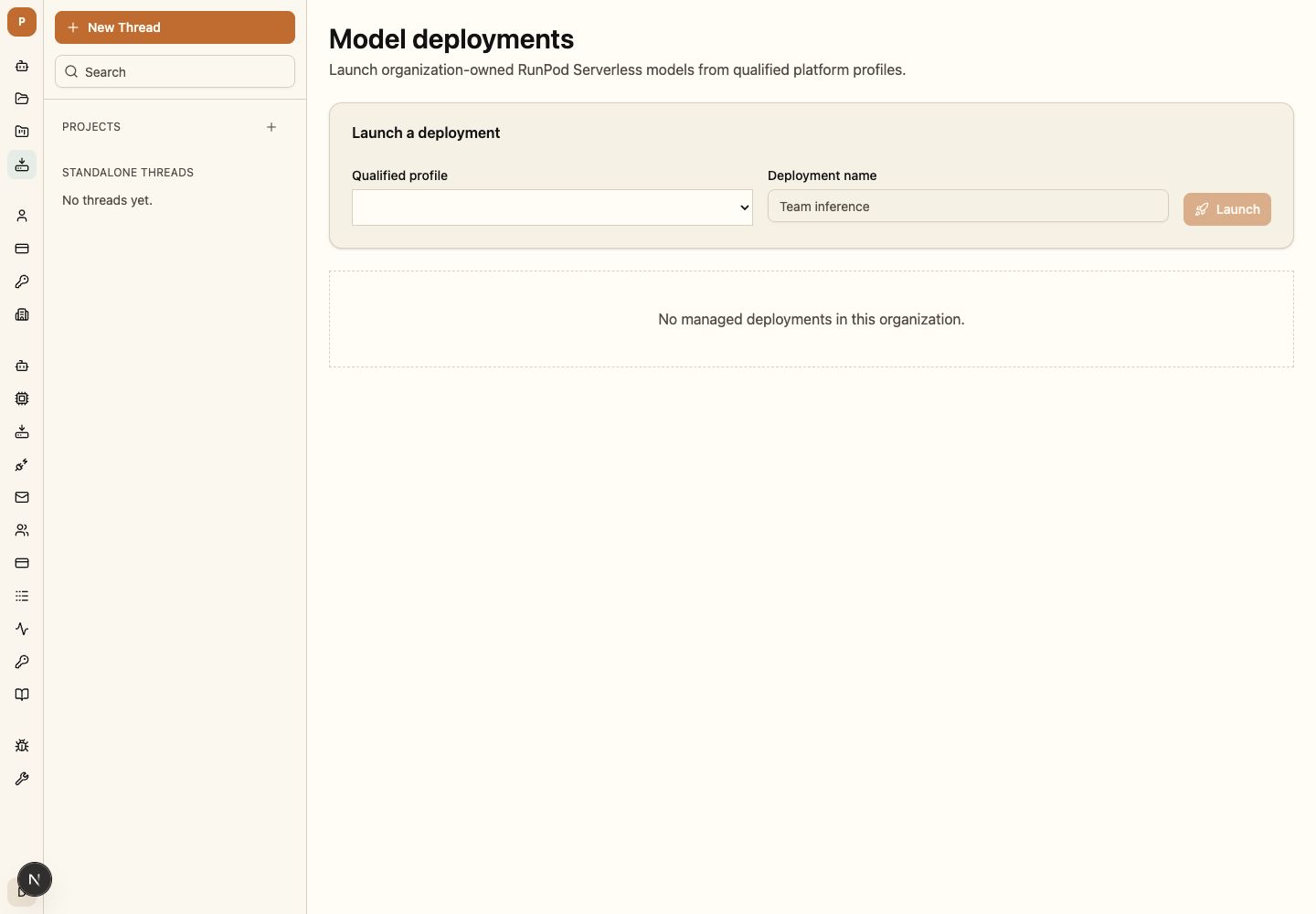
Launch a deployment
- Open
/model-deploymentsand choose a qualified profile. - Review the organization quota and estimated provider configuration.
- Launch the deployment and follow its provisioning status.
- Wait for the endpoint and expected model to pass readiness and qualification.
- Select the model in a Thread only after the deployment reports ready.
Qualification and readiness
Provisioning success is not model readiness. Kestrel verifies endpoint health, expected model identity, required capabilities, registry qualification, and organization policy before selection.
Quota and budget
The request reserves governed capacity before provisioning and records committed provider usage in the organization ledger. Exhaustion returns an owned denial rather than silently choosing another profile.
Deployment states
Requested, provisioning, validating, ready, failed, stopping, and terminal states remain visible with the operation identity. Members cannot select a deployment before ready.
Evidence and activity
Record actor, organization, Environment, immutable profile/configuration, provider operation, endpoint/model identity, budget allocation, state transitions, and correlation.
Recover or roll back
Retry only registered, state-valid operations. Inspect uncertain provider state before provisioning again; stop or roll back through the deployment owner instead of editing records directly.
The deployment remains unavailable while provisioning, validation, or model qualification is incomplete. Members cannot supply arbitrary images, credentials, or raw provider fields through this flow.