
Bring the people and context for a project into one Kestrel workspace. Teammates can start from the same instructions, files, Knowledge, Apps, and execution Environment, then work together in Threads that preserve the conversation, artifacts, and current state.
Kestrel One is a Beta product with source version 0.8.5. The source is downloadable from the release tag; the Lumi-hosted service is a separately operated deployment of the same product line and requires an invite code for new account signup.
Choose source or hosted
Use Kestrel One source for inspection and local development. Use Getting started with a signup code for a new personal workspace or an organization invitation to join an existing team.
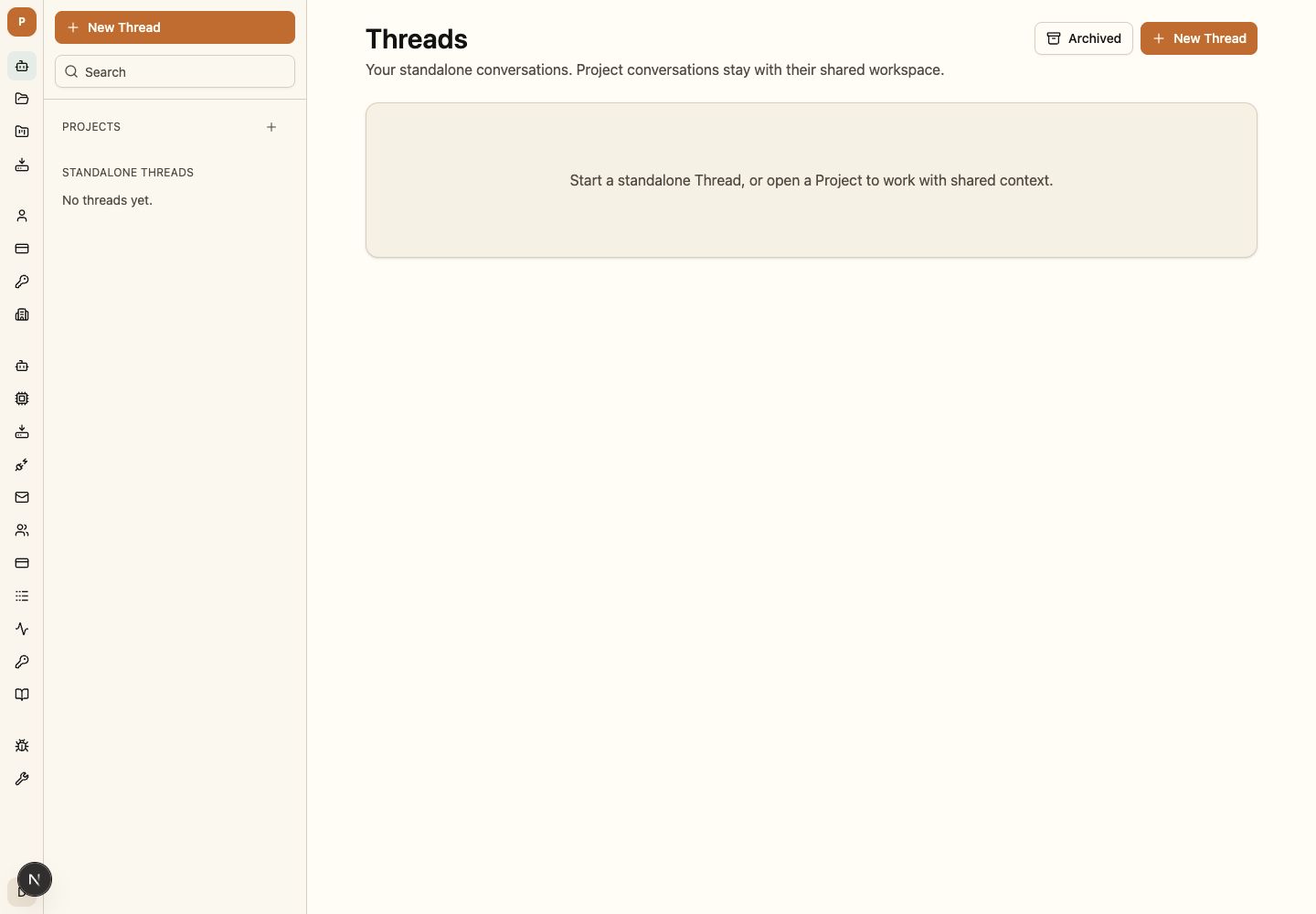
Build the workspace around the project
- Start a Thread to keep the conversation, contributors, files, artifacts, and runtime state together.
- Create a Project to give related Threads the same members, instructions, files, and selected Knowledge.
- Connect Apps when the work needs an approved capability from a personal or shared account.
- Choose an Environment to determine where the work runs and which shared capabilities it can use.
- Review context revisions to see exactly which Project information shaped a turn.
- Add Knowledge once and make trusted organization material available to the Projects that need it.
- Use sharing to publish an approved read-only result without opening the surrounding organization.
Shared execution and control
Threads keep durable conversation and terminal state. Mission Control records project work, attempts, evidence, review, and acceptance. Waiting and recovery choices bind to exact pending requests; external approvals bind to exact effects.
Security boundary
Organization membership, Project role, Environment policy, App/MCP grants, approved models, Knowledge access, and action-bound approvals are evaluated separately. A broader organization role does not silently grant every Project, credential, tool, or external action.
Use a signup code or organization invitation to start the first Thread, or get the versioned source. Then add Apps and choose Environments as the Project requires them.